This example illustrates the idea. Results depend on the model, settings and your inputs.
Prompt text
Use the uploaded photo as the identity reference. Preserve the person's recognizable facial geometry, age, natural skin tone, eye color, distinctive features and original hair length. Keep gender presentation and body proportions unchanged. Change only the staging, clothing, surroundings, lighting and treatment described below. Retain pores and natural asymmetry; do not reshape or cosmetically idealize the face.

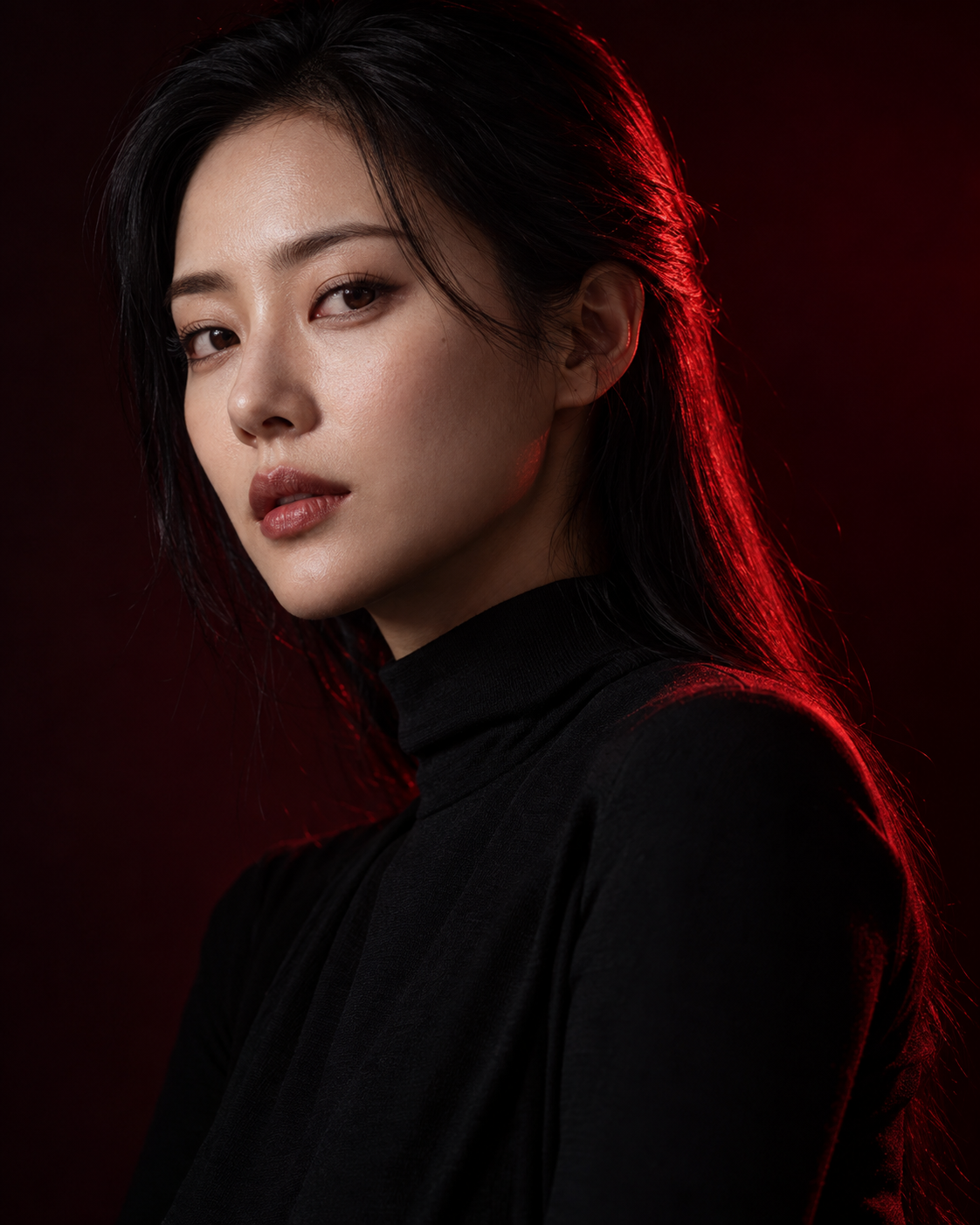
Create a photorealistic 4:5 shoulder-up studio fashion portrait. Place the person slightly off-center, with the head gently turned toward the lens. Use sleek hair without changing its length and a matte black high-neck top. The backdrop is almost black with a barely visible burgundy gradient. Use an 85mm perspective and precise eye focus.

LIGHTING: a narrow red source behind and to the right produces a saturated crimson line only along the edges of hair, cheek and shoulder. A soft neutral key on camera-left reveals the face while retaining natural skin hues. Subtle negative fill on the shadow side adds dimension without losing all detail.

Clean sculptural lines, deep shadows, visible black-fabric texture and restrained grain. Red remains an edge accent rather than flooding the whole face. No smoke, glowing eyes, red skin, artificial cutout halos, excessive sharpening, text or watermarks.