Photo editing
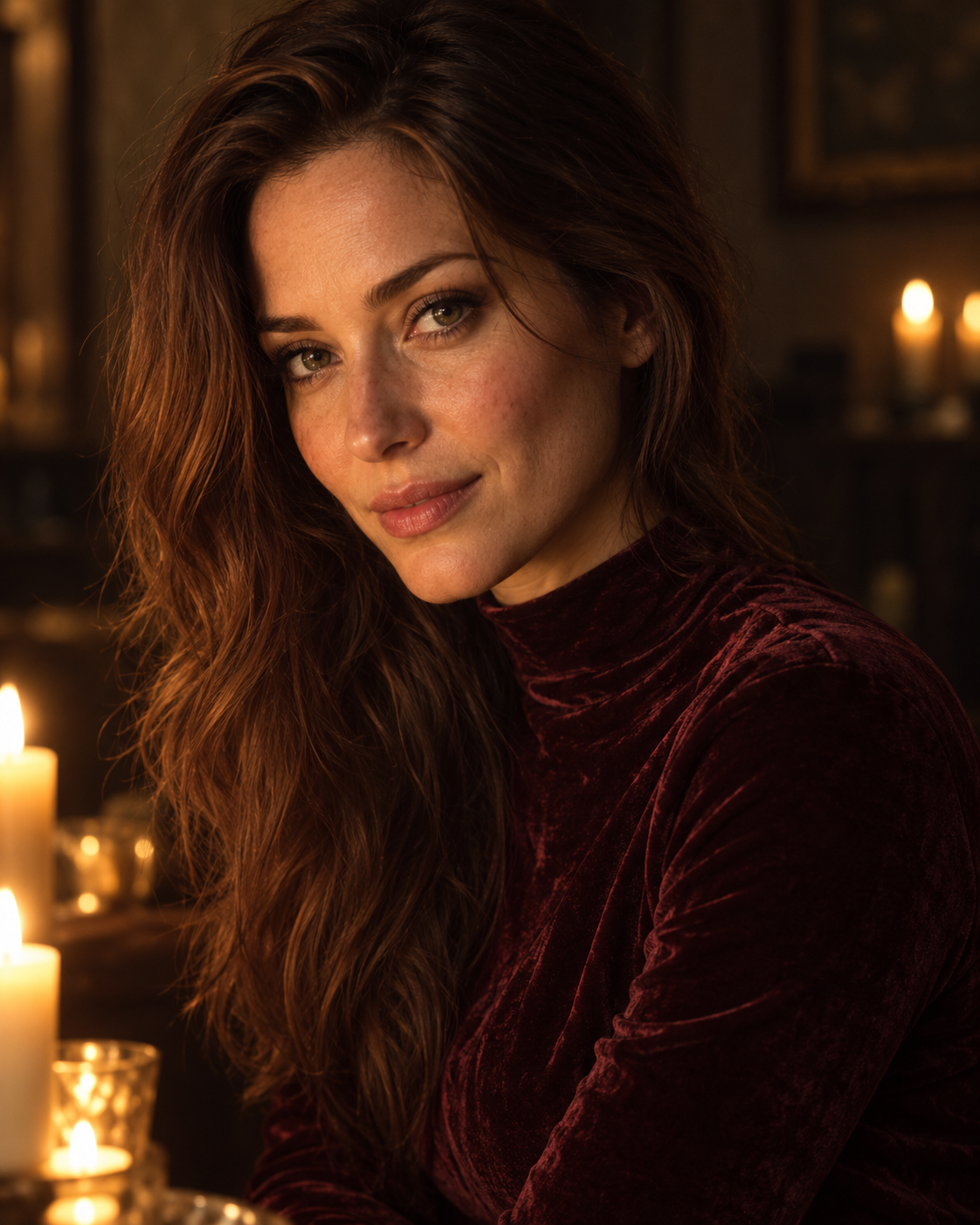
Velvet Evening
An intimate candlelit portrait with honey-colored highlights, deep burgundy tones and soft velvet texture.
Explore promptFind an idea, copy the prompt and make it your own.
Ready-to-use ideas for your tasks. Pick one and give it a try.
An intimate candlelit portrait with honey-colored highlights, deep burgundy tones and soft velvet texture.
Explore prompt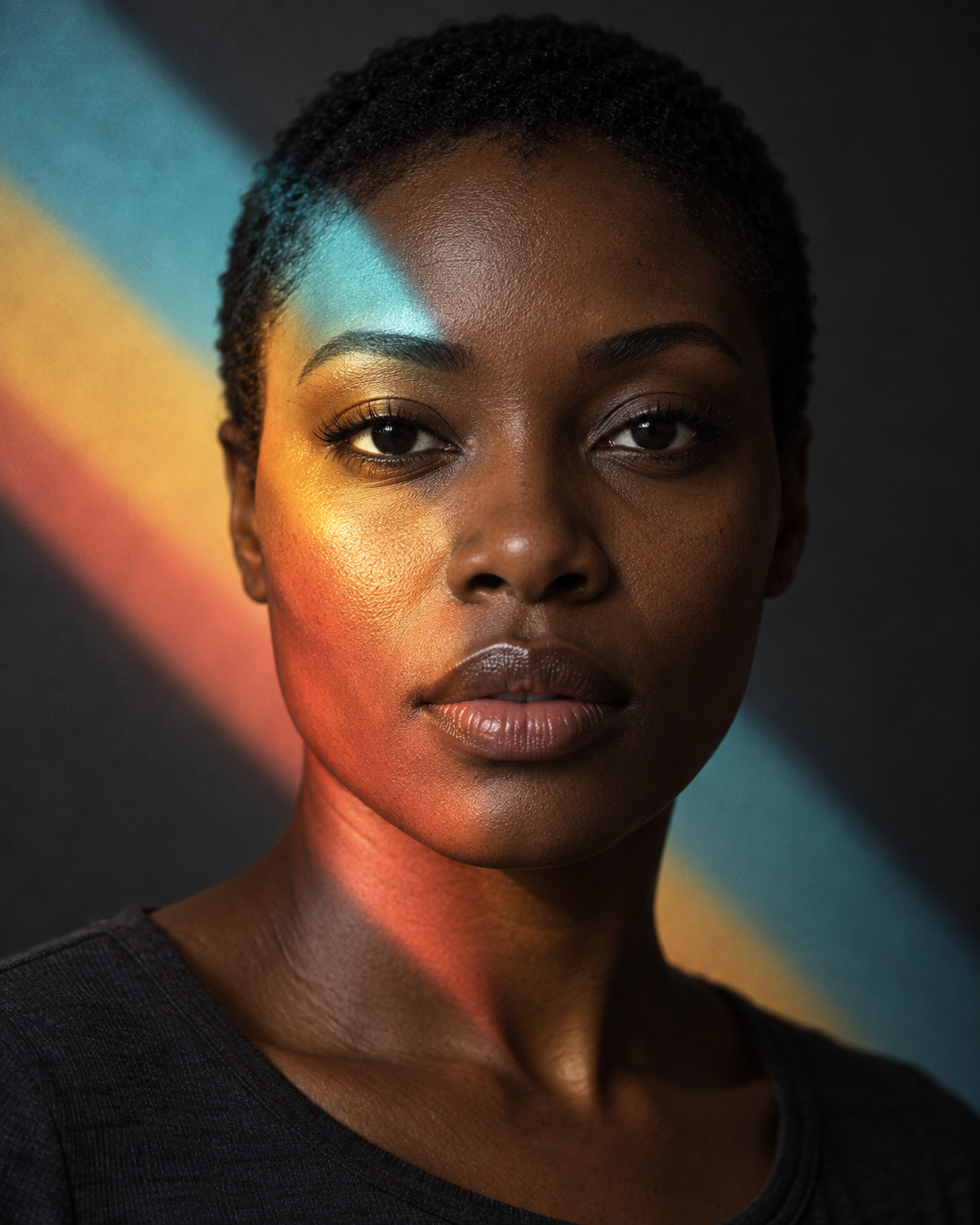
An experimental studio portrait with a colored light projection that follows facial contours and continues across the background.
Explore prompt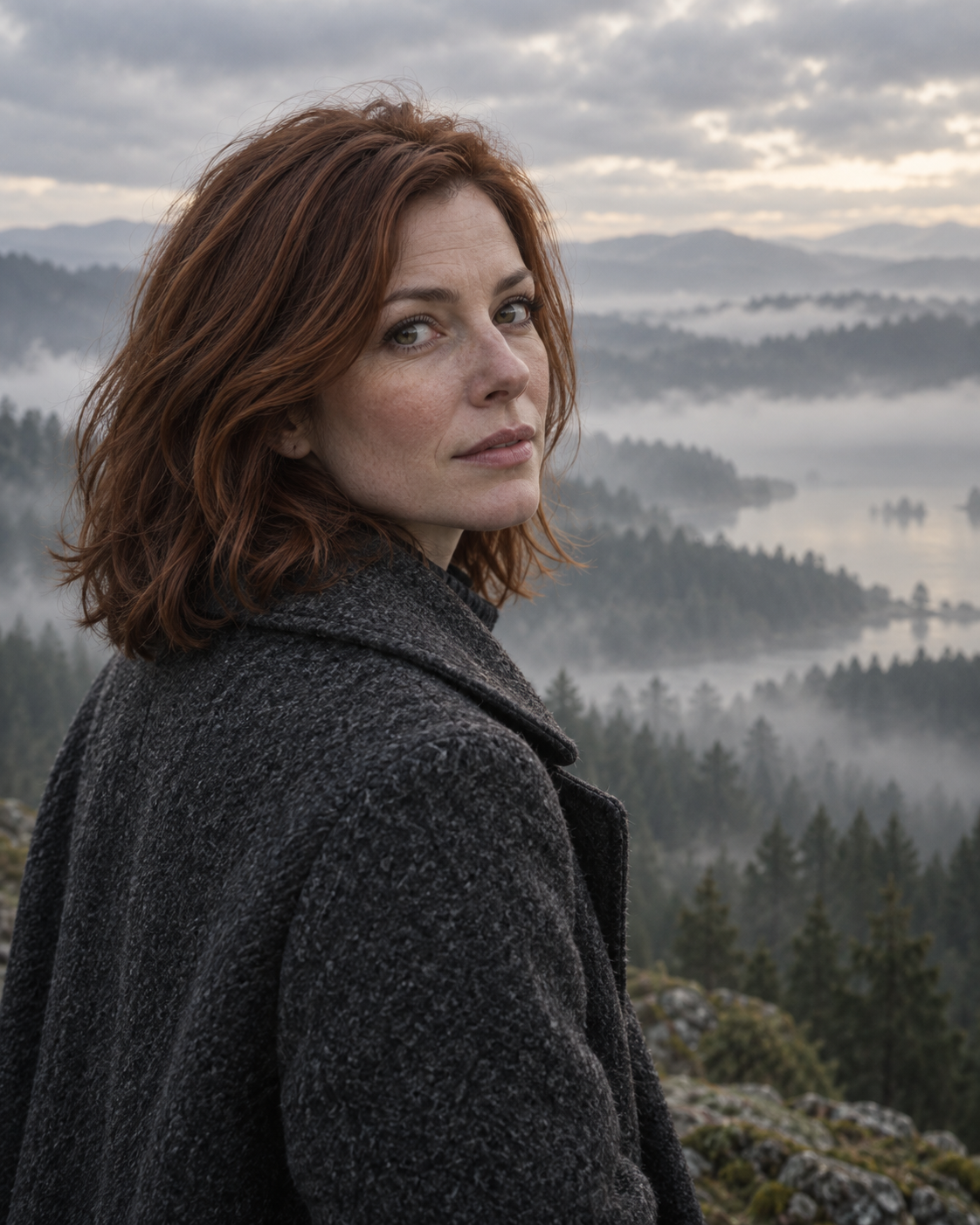
A quiet cinematic portrait against a forest fading into fog, with cool tones, wool textures and soft natural light.
Explore prompt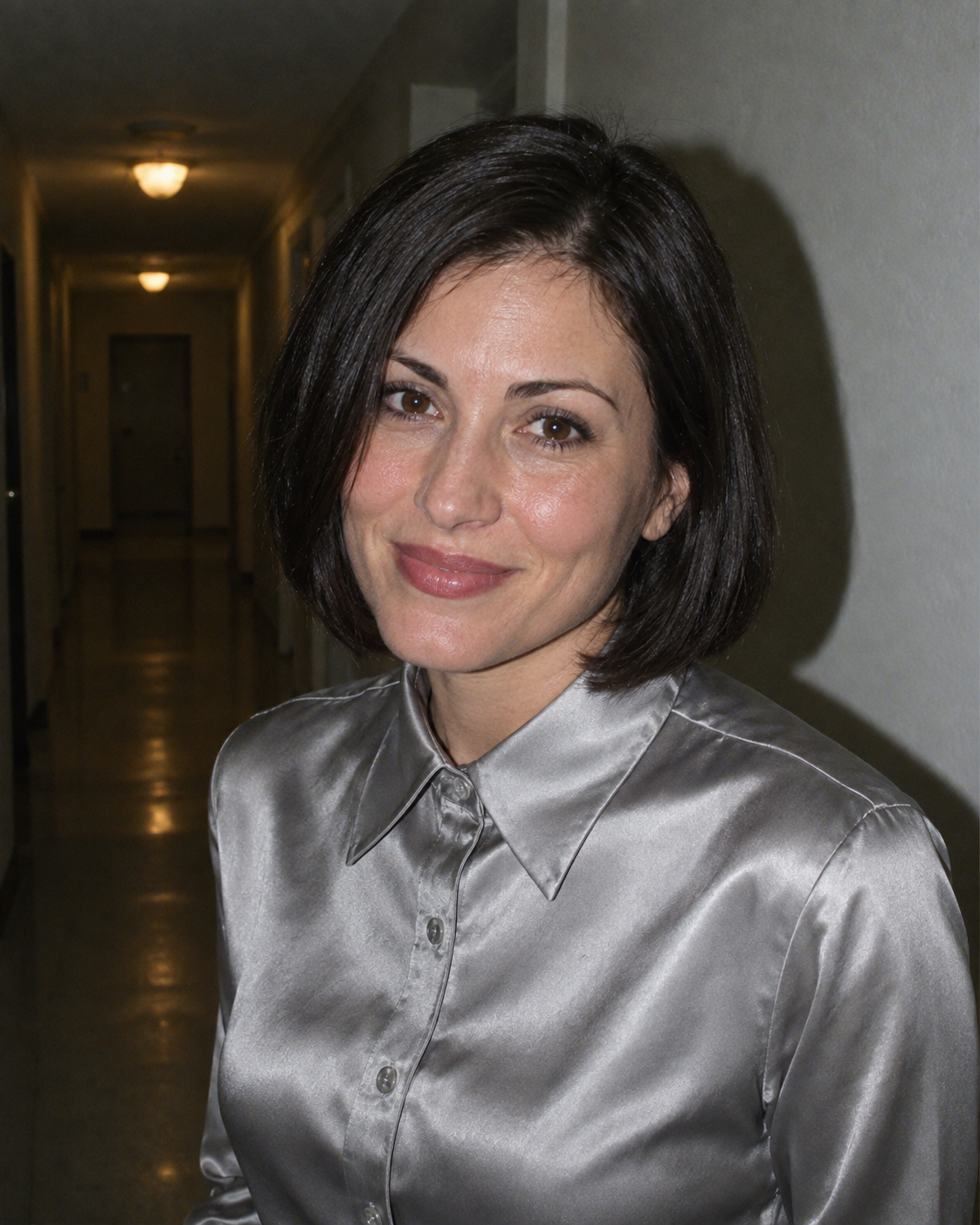
A lively early-2000s party snapshot with direct flash, satin textures and the casual imperfection of a compact camera.
Explore prompt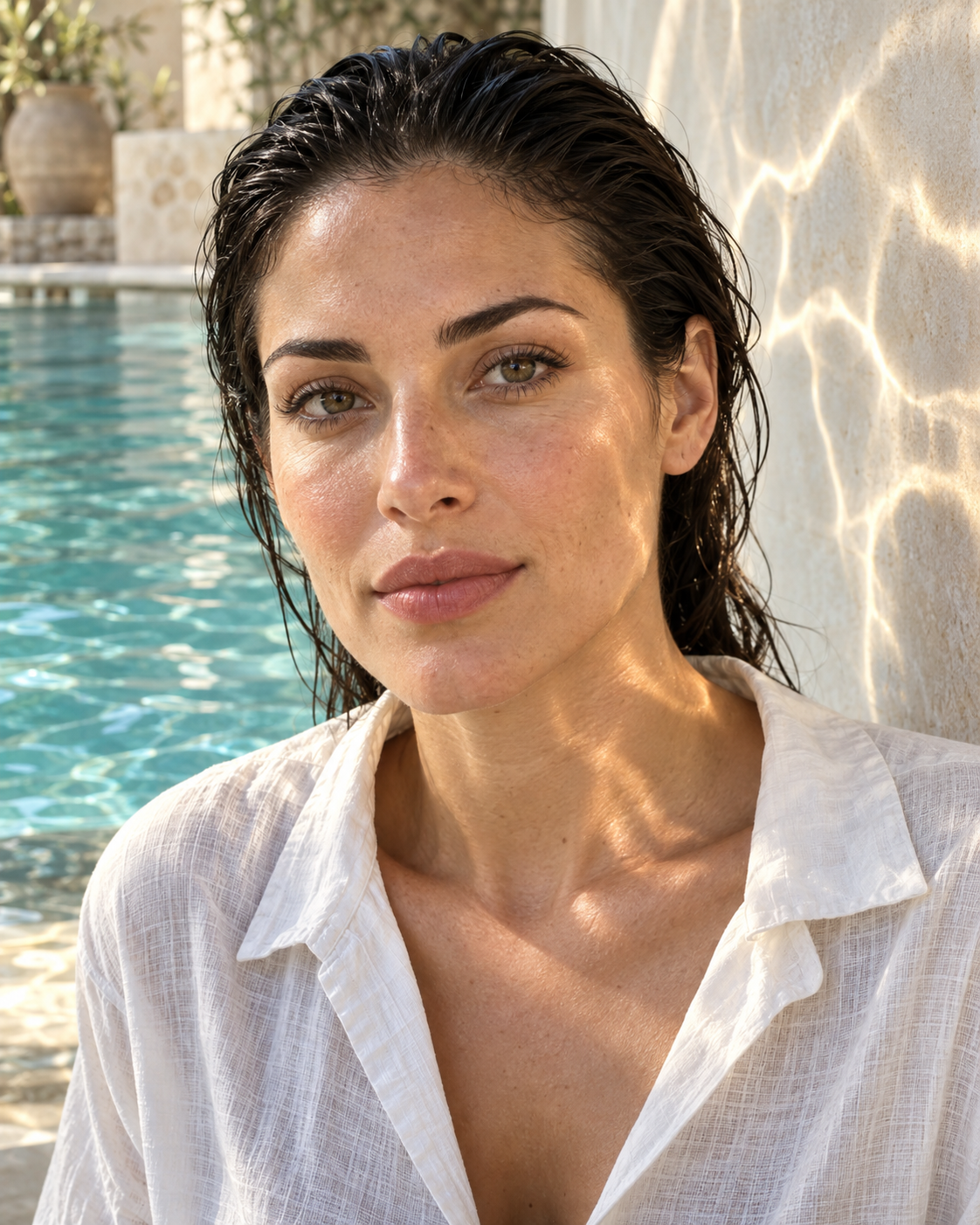
A fresh summer portrait with soft pool reflections, turquoise accents and delicate sunlit patterns across the skin.
Explore prompt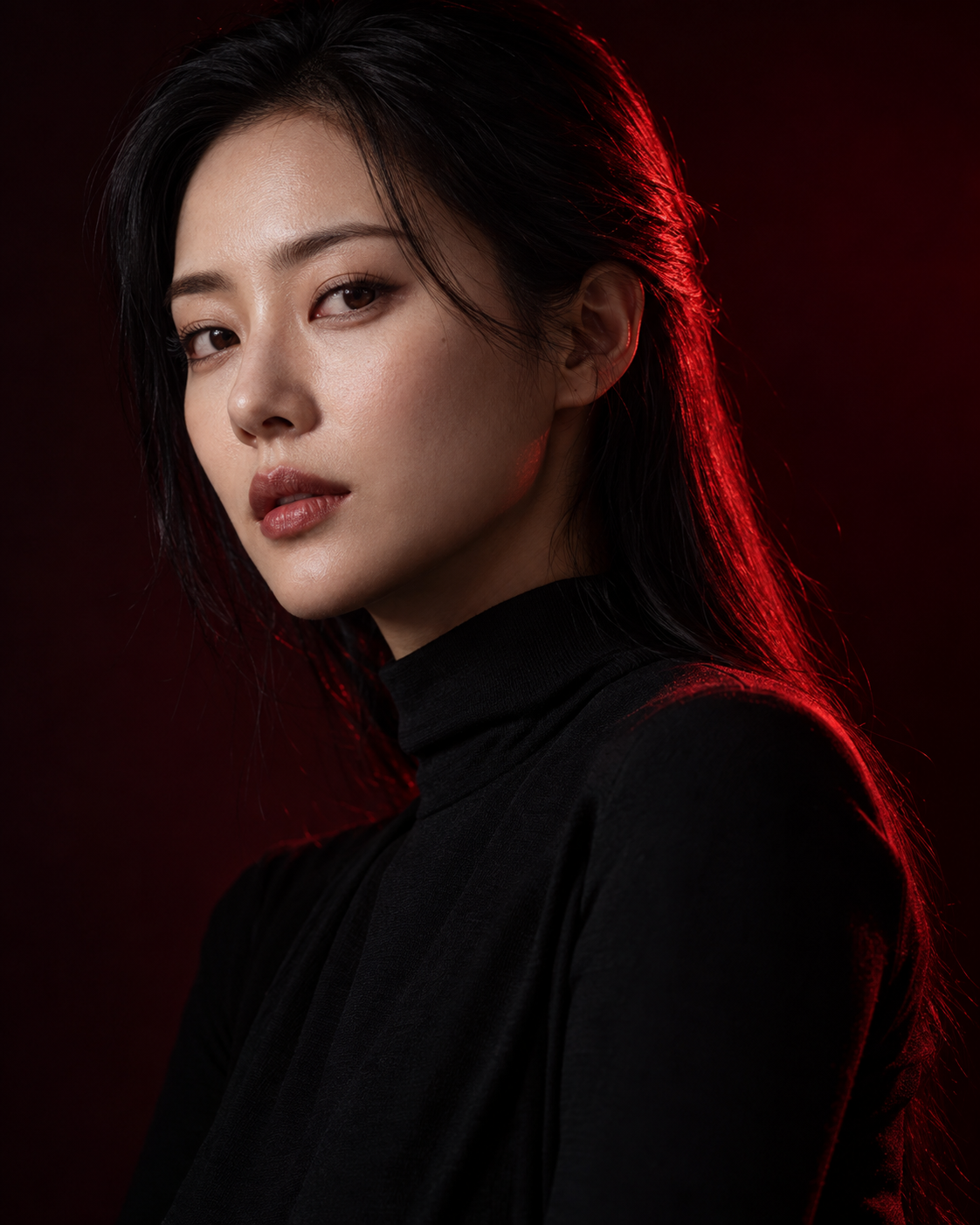
A graphic fashion portrait against near-black, with a slim crimson edge defining the silhouette while the face retains natural color.
Explore prompt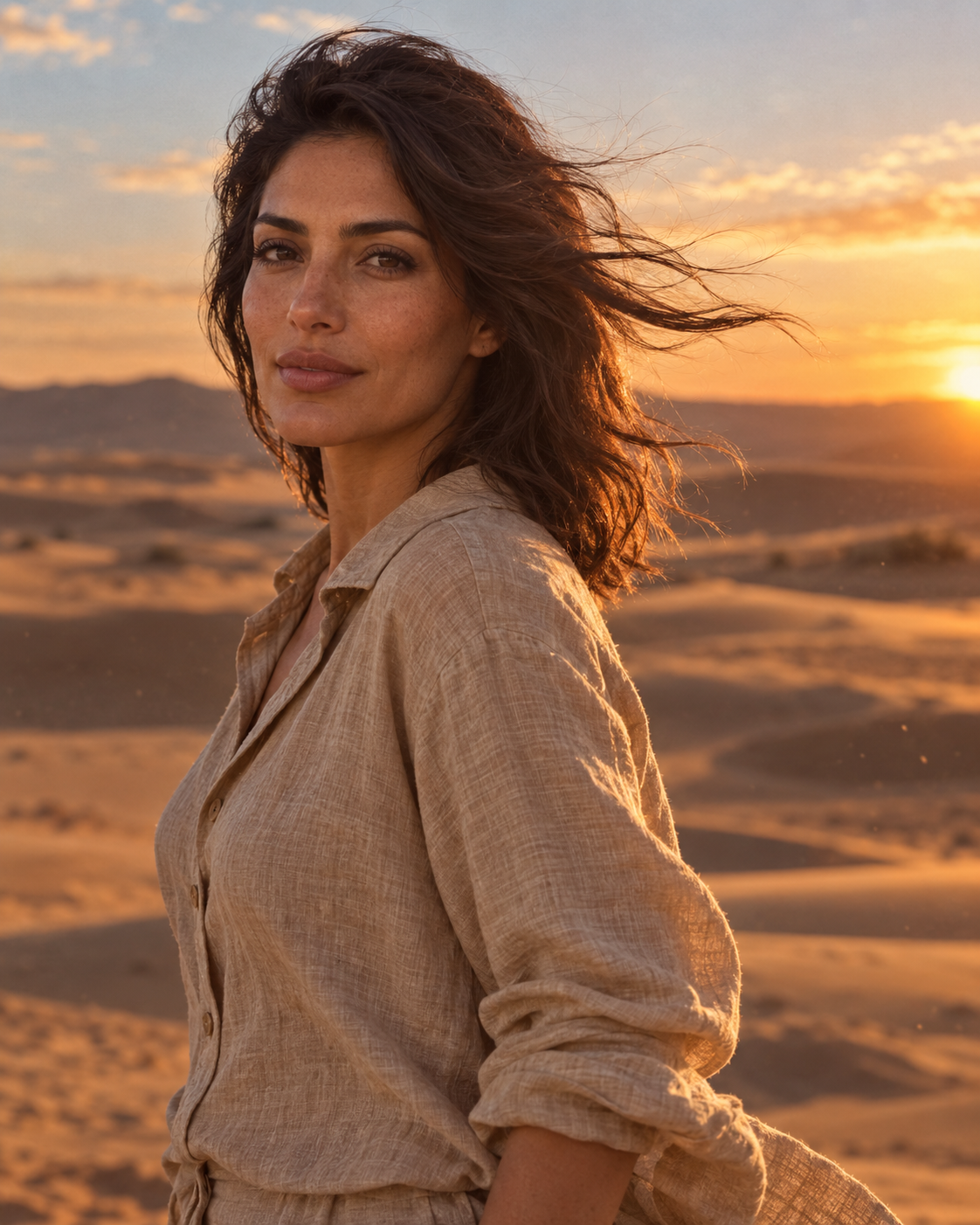
An atmospheric portrait among dunes, combining warm backlight, linen textures and naturally wind-swept hair.
Explore prompt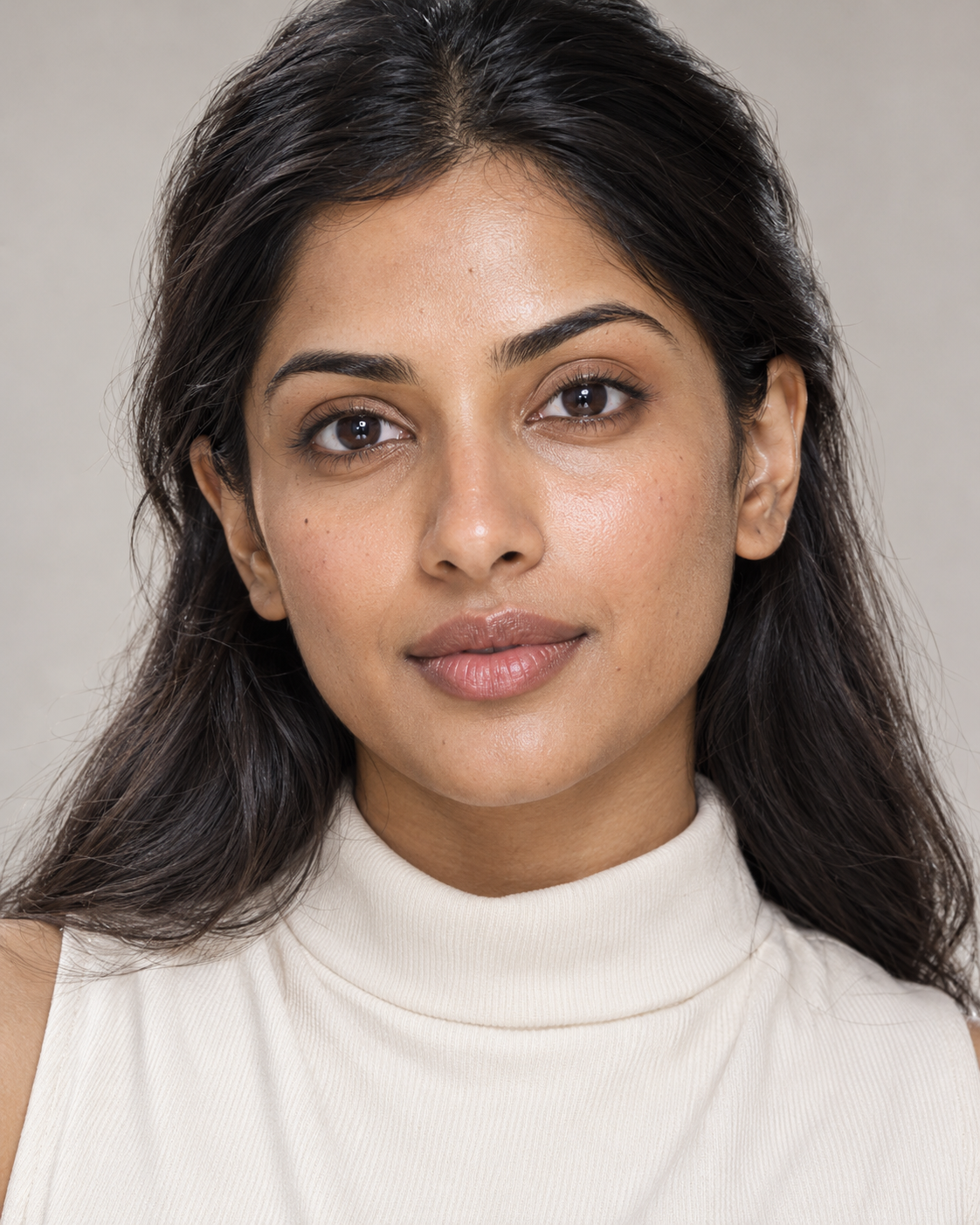
A luminous beauty portrait inspired by premium skincare photography, with soft dimension, a clean backdrop and lifelike skin texture.
Explore prompt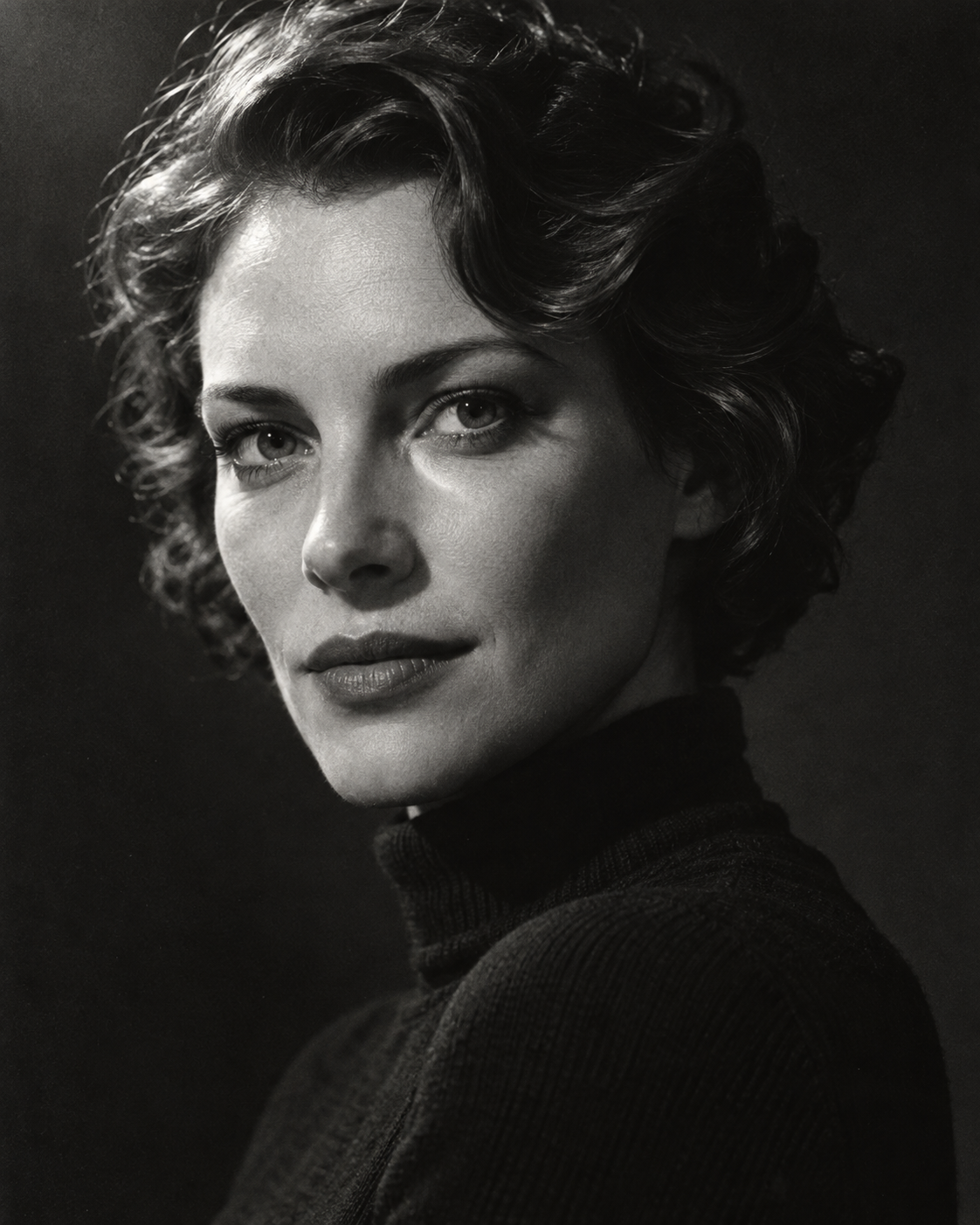
An expressive black-and-white portrait with hard side lighting, deep shadows and the texture of a classic silver-gelatin print.
Explore prompt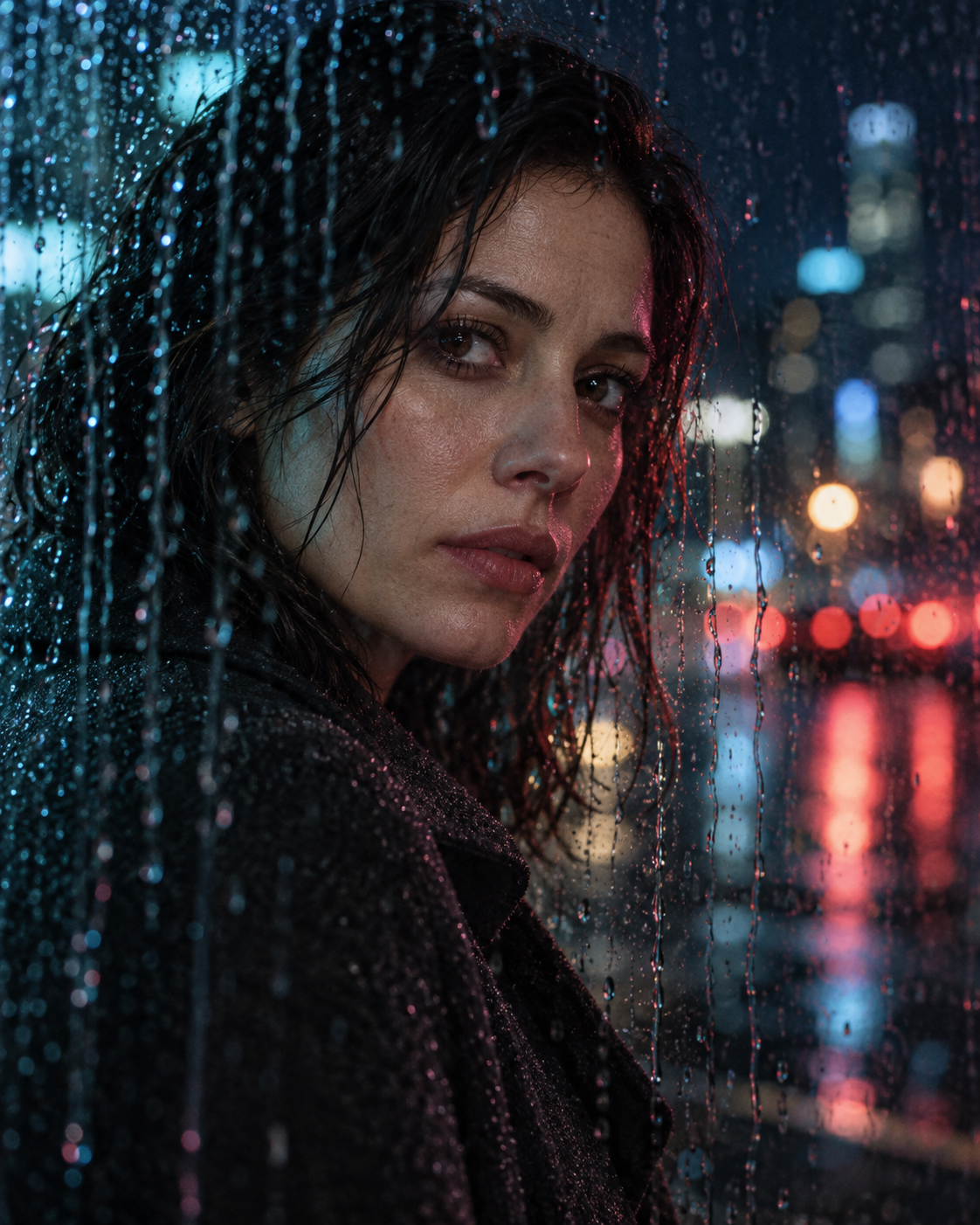
A cinematic portrait through rain-streaked glass, with cool neon, blurred city lights and the atmosphere of a rainy film scene.
Explore promptGet the ready-to-use text in one click.
Replace examples and add details about your task.
Paste the text into a suitable AI tool and start a conversation.
A few answers to help you get started.
Paste it into a suitable AI tool: a chat for text tasks, or an image generator for image descriptions. If the prompt names a specific model, start with that one.
Add your topic, audience and source information. For images, you can change the location, clothing, lighting and mood. If the prompt includes customization tips, use them as a starting point.
Text tasks do not need a photo. For images, it depends on the task: a scene can be created from a description alone, while working with a specific person or an existing photo usually requires an uploaded image and a tool that supports it.
Results depend on the model, its version, settings and source information. Even the same prompt can produce different outputs. Refine the details and change one condition at a time to see what makes a difference.