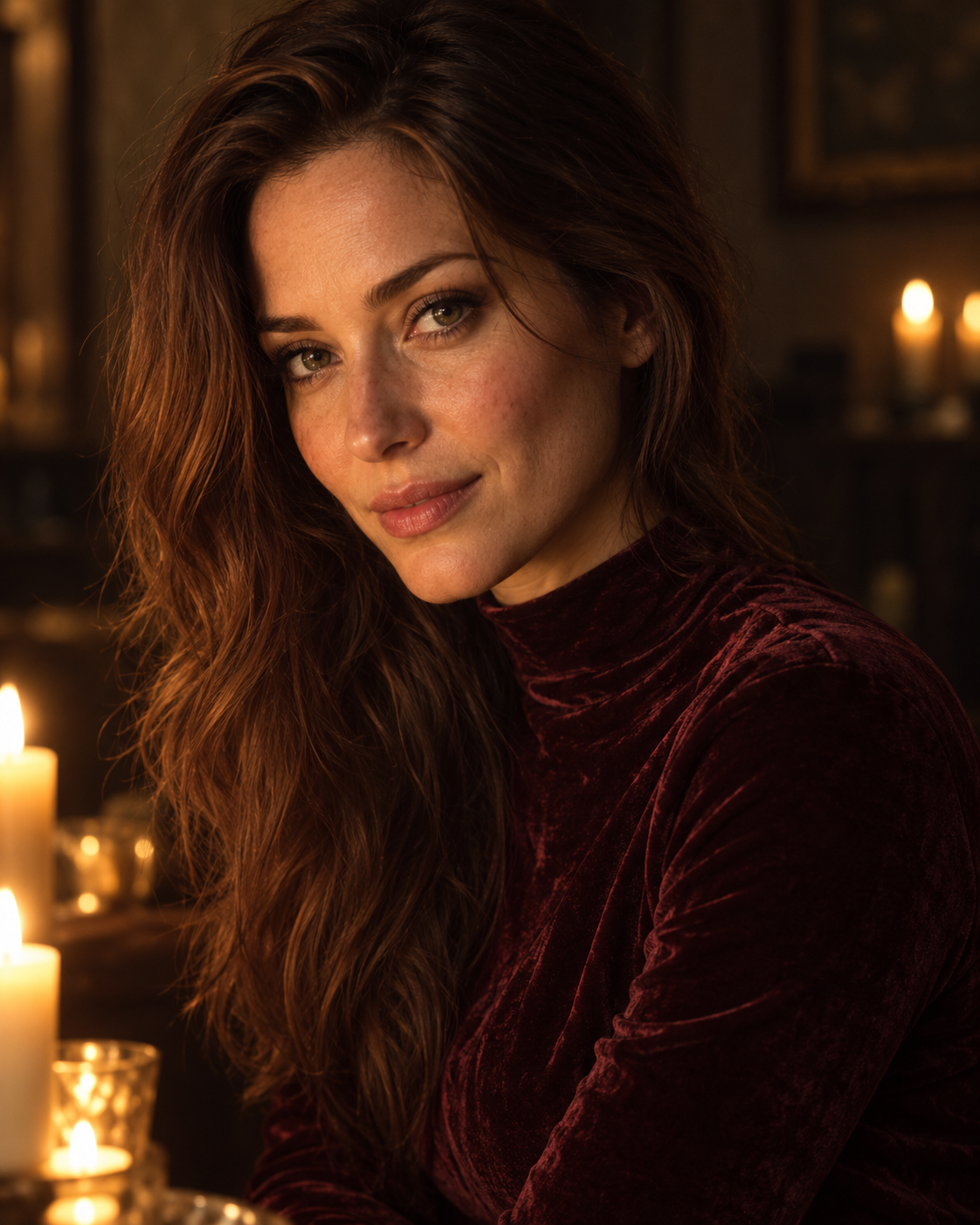
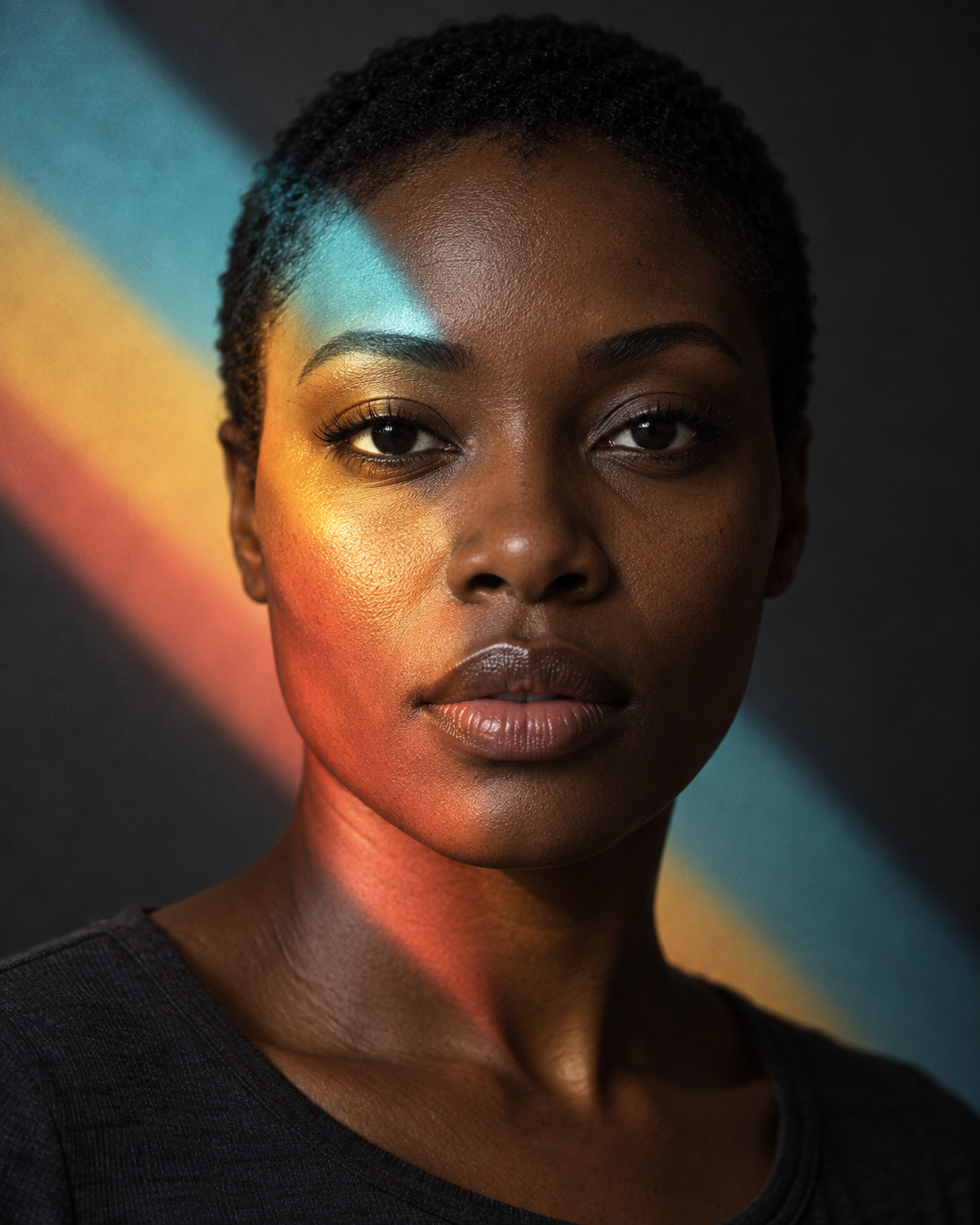
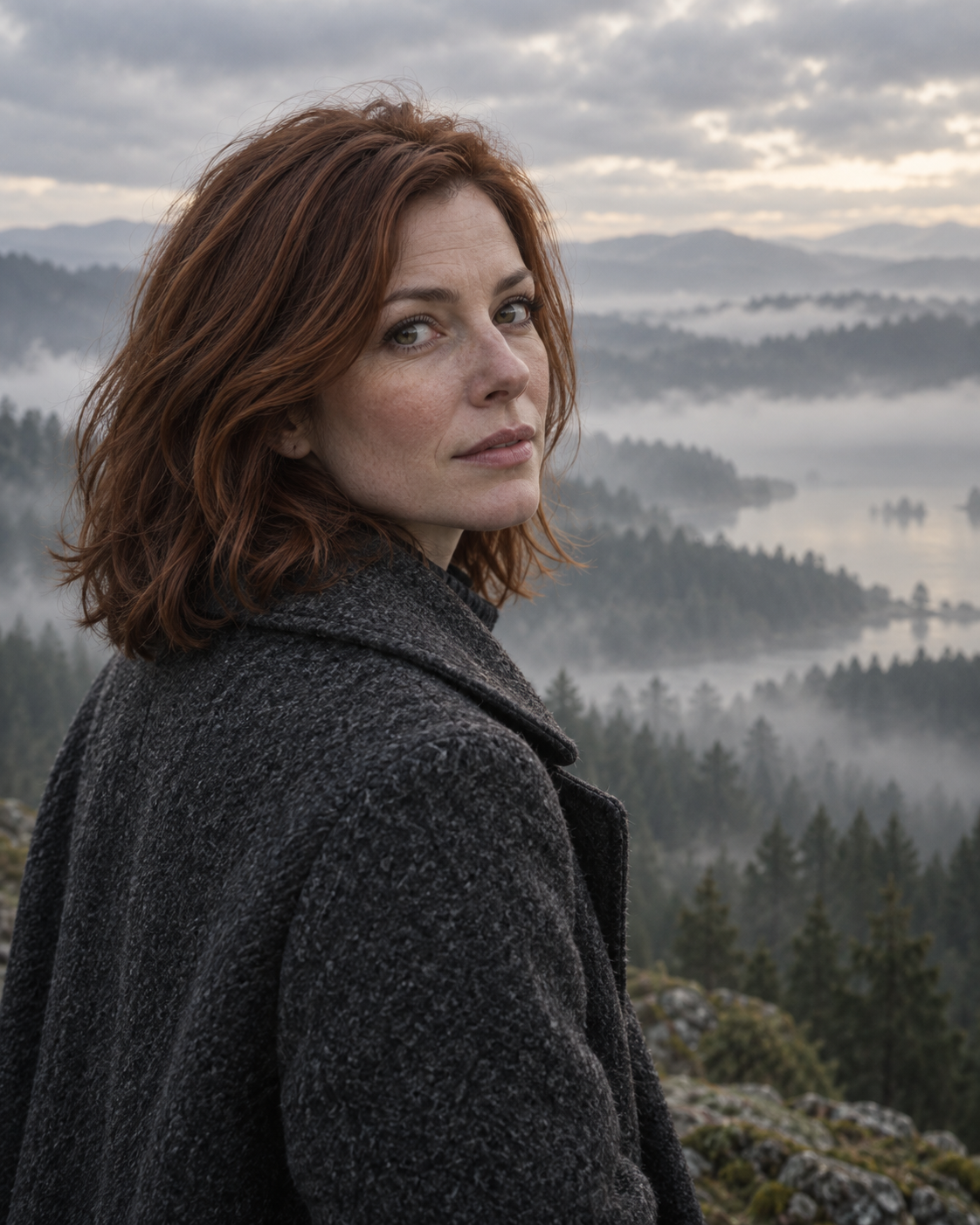
This example illustrates the idea. Results depend on the model, settings and your inputs.
Prompt text
Use the uploaded photo as the identity reference. Preserve the person's recognizable facial geometry, age, natural skin tone, eye color, distinctive features and original hair length. Keep gender presentation and body proportions unchanged. Change only the staging, clothing, surroundings, lighting and treatment described below. Retain pores and natural asymmetry; do not reshape or cosmetically idealize the face.

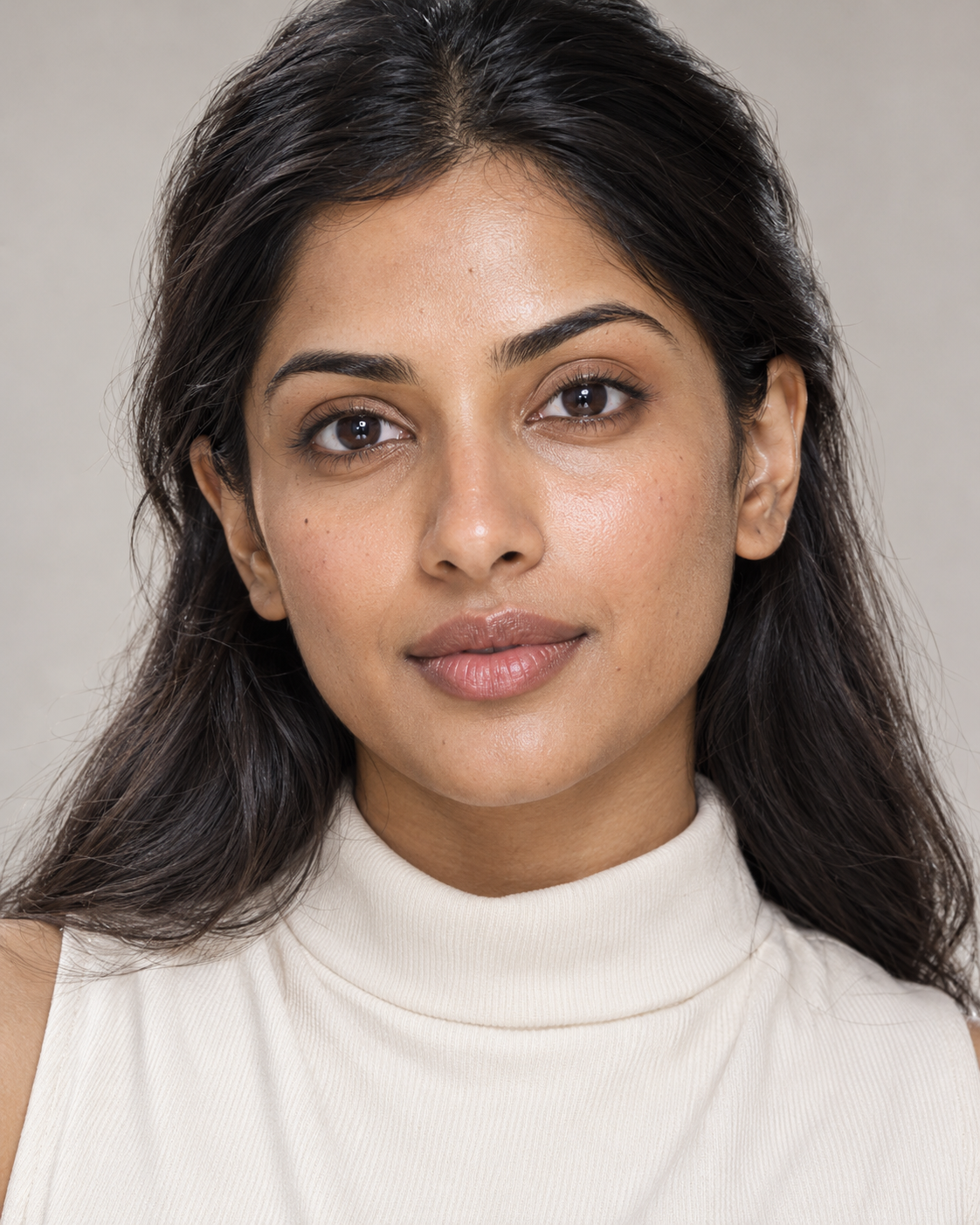
Create a photorealistic 4:5 beauty portrait cropped from the upper chest. Keep the head straight, lips relaxed and gaze into the lens. Arrange hair neatly away from the face without changing its length. Add a high-neck ivory top and a pale warm-gray background tonally distinct from the face. Eye-level camera, 85mm perspective.

LIGHTING: a very large softbox just above the lens and a white reflector beneath the chin. Broad soft cheekbone highlights, delicate sculpting shadows and natural eye catchlights. Bright exposure retains every detail in skin and white fabric. Do not lighten the original complexion.

Cream, pearl-gray and muted rose palette; neutral whites, smooth tonal transitions and barely visible grain. Preserve pores and fine facial hairs. The pearly effect comes from light, not an iridescent coating. No glitter, oily shine, skin blur, excessive sharpening, product packaging, lettering or watermarks.